Your website is your business’s digital identity and the first point of contact between your brand and potential customers. If it doesn’t work properly, loads slowly, or looks outdated, it can create a poor first impression and cost you valuable customers. However, there is a difference between chasing the latest website design trend and recognising when a redesign is genuinely required.
A website redesign is more than changing fonts, images, or colours. It is an opportunity to enhance user experience, website performance, usability, SEO, and accessibility, giving it a new life while ensuring it supports your current business goals.
But the most important question is: how do you know when it’s time for a redesign?
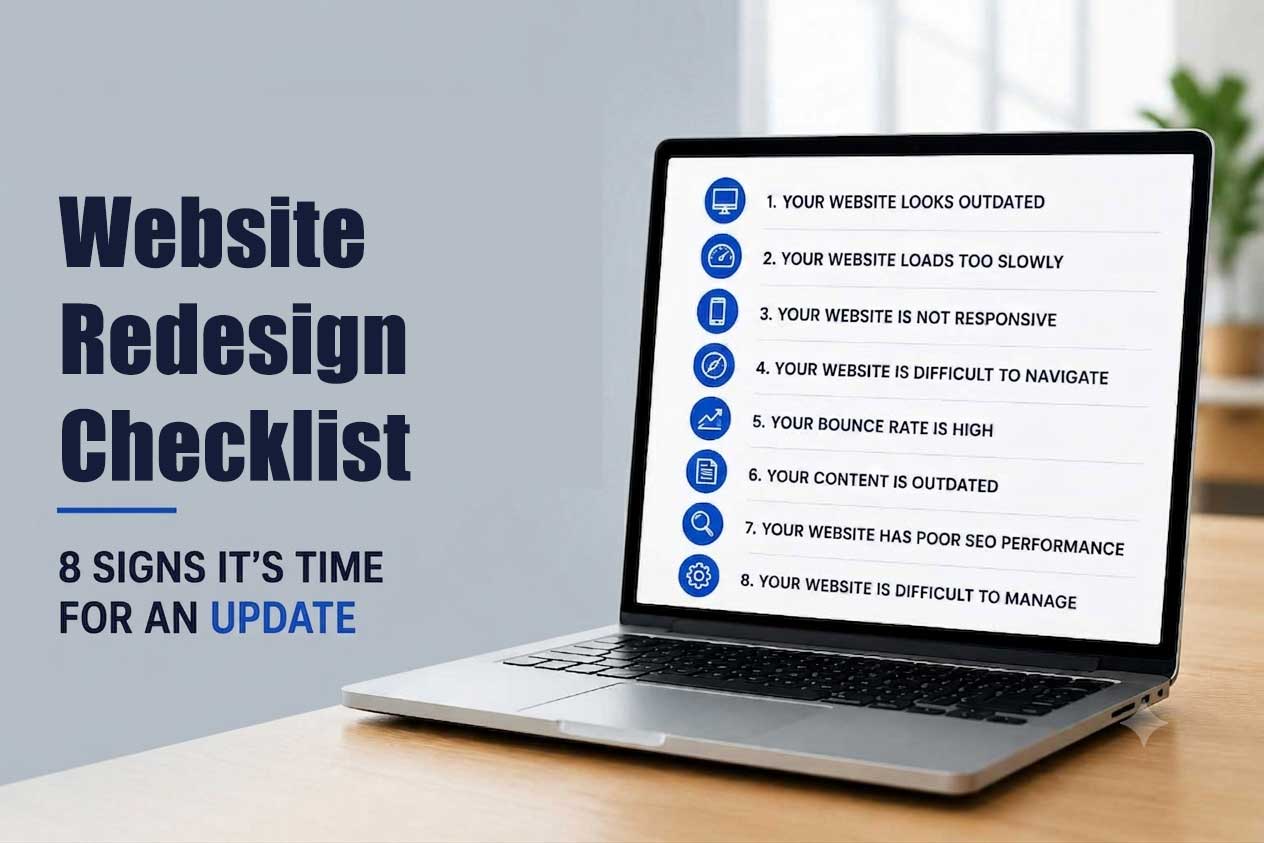
This website redesign checklist highlights key points to help you decide whether your website needs an update.
Top Signs Your Website Needs an Update
Here are the key signs that indicate it’s time to update your website and improve the user experience.
1. Your Website Looks Outdated
Web design trends and user expectations are constantly evolving. A layout that once looked modern may now look cluttered, dated, and unprofessional. An outdated website can suggest your business hasn’t kept up, which can hurt user trust and credibility.
Common signs that your website may be outdated include:
- Old-fashioned layouts and graphics
- Excessive text and cluttered pages
- Inconsistent fonts or colours
- Low-quality or outdated images
- Poor use of whitespace
- It uses outdated visual trends such as skeuomorphism, heavy drop shadows, and stock clipart
- Design elements that no longer match your brand
Modern website design can help ensure your website continues to reflect your brand and meet current user expectations.
2. Your Website Loads Too Slowly
Website speed significantly affects both user experience and search performance. Visitors today expect a fast, seamless experience, so they are more likely to leave a website that takes too long to load.
Slower speed can lead to:
- Higher bounce rates
- Lower engagement
- Fewer conversions
- Poorer user experience
- Reduced search visibility
Common culprits include unoptimized or oversized images, outdated hosting infrastructure, excessive plugins, and too many third-party trackers and widgets. If your website is consistently slow, then a redesign is an opportunity to create a faster, more efficient experience.
3. Your Website is Not Responsive
Today, a large share of website traffic comes from mobile devices, making mobile responsiveness a necessity, not an option. If your website doesn’t adapt automatically to different screen sizes or makes visitors struggle to scroll, read content, or click buttons, you could be losing potential customers.
A mobile-friendly website with a strong user experience should:
- Adapt smoothly to different screen sizes
- Offer easy-to-use navigation
- Load quickly and efficiently on mobile devices
- Use clear and readable text
- Provide appropriately sized buttons and touch elements
- Make forms and checkout processes simple
If your website doesn’t meet these requirements, it’s time to redesign it to provide a seamless, mobile-friendly experience.
4. Your Website is Difficult to Navigate
After landing on your website, if users can’t quickly understand where to go, what to do, or how to find the information they need, it’s a clear sign it’s time to redesign your website. Inconsistent page layouts, confusing menus, and broken links can create a frustrating user experience, causing visitors to leave quickly.
General navigation issues include:
- Confusing or poorly organised menus
- Too many navigation options
- Missing search functionality
- Important information buried deep within pages
- Unclear calls to action
- Broken or confusing links
A well-designed website, on the other hand, makes the customer’s journey simple and intuitive, helping visitors find what they need and take the next step with ease.
5. Your Bounce Rate is High
If visitors are landing on your website and leaving within a few seconds, it indicates something is broken – whether it’s design, messaging, navigation, page speed, or the page’s relevance to its search intent.
To determine the actual issue, check:
- Analytics data showing high bounce rates on key landing pages
- Low average time-on-page
- Few visitors making it past the homepage
Digging into analytics to identify the specific issue — and fixing it — can effectively lower your bounce rate.
6. Your Content is Outdated
This is one of the easiest issues to overlook because nothing looks “broken.” The site loads fine, the design might even be decent — but the actual words on the page are stuck in the past. If your business now offers new services, serves different customers, has a new brand identity, or has expanded into new markets. Still, your website doesn’t reflect these changes, it may be time for a redesign.
Signs your content has gone stale:
- Blog posts haven’t been updated in over a year
- Statistics, screenshots, and examples are clearly out of date
- References to old products, team members, or partnerships
- Copy that talks about “the industry today” in a way that no longer holds up
- Pages that exist but haven’t been touched since the site launched
Outdated content can affect your credibility, relevance, and SEO performance. Regularly reviewing and updating important pages helps ensure your content remains accurate, useful, and aligned with user search intent.
7. Your Website Has Poor SEO Performance
If your organic traffic has quietly dropped over the past several months, it could very well be due to your site’s technical health. A redesign planned to incorporate SEO — proper headings, clean URLs, fast load times, optimised images — can go a long way toward reversing the slide.
Potential warning signs to look for include:
- A steady decline in organic traffic
- Poor keyword visibility
- Weak page titles and missing meta descriptions
- Poor internal linking
- Thin, outdated, or barely-there content
Before launching a new website, create a comprehensive SEO migration plan that covers URL mapping, redirects, metadata, content optimisation, internal linking, and technical SEO checks.
8. Your Website is Difficult to Manage
If your website requires excessive technical efforts or calling in a developer every time you need to update a headline, image, service page, or blog post, then that’s a problem worth addressing.
This is usually a symptom of an outdated custom build or a platform nobody supports anymore. Moving to a modern CMS such as WordPress, Webflow, or HubSpot can give your team greater control over website updates while reducing dependence on developers for routine content changes.
A redesign can introduce:
- A more manageable and effortless CMS
- Reusable page components
- Improved content workflows
- More scalable architecture
- Improved integrations
- Easier updates and maintenance
Before Redesigning, Ask These Questions First
Jumping straight into colours, layouts, and stock photos feels productive — but it’s usually the fastest way to end up with a website that looks better and performs the same. A redesign should start with questions, not design decisions. Here’s what to work through first.
- What do we want the website to achieve?
- What actions should visitors take?
- Which pages generate the most value?
- Where are users dropping off?
- What does our competition do better?
- How will we measure success after launch?
How Often Should You Redesign a Website?
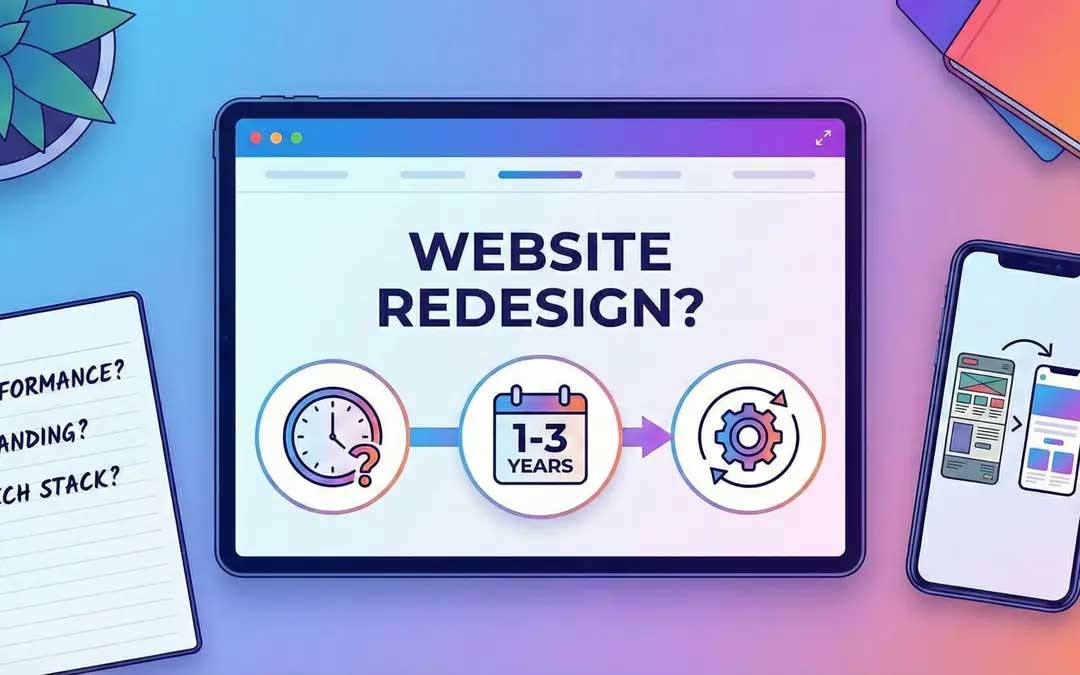
There’s no universal rule or redesign timeline. But if you want a rough answer: businesses should take a hard look at their website every two to three years.
Your website redesign strategy should largely be based on your website’s performance, technology, business goals, audience expectations, and industry. If your website loads slowly, is hard to navigate, poorly optimised, visually outdated, or failing to convert, it may be time for a strategic redesign regardless of its age.
Website Redesign Checklist
Before starting your redesign, use this quick checklist:
✅ Review your current website design
✅ Test the website on mobile devices
✅ Check speed and performance
✅ Analyse website navigation
✅ Examine conversion rates and calls to action
✅ Check for outdated content
✅ Analyse organic traffic and SEO performance
✅ Review your CMS and website technology
✅ Define clear redesign goals and KPIs
✅ Plan SEO redirects and URL changes
✅ Test the redesigned website before launch
Frequently Asked Questions
1. How do I know if my website needs a redesign
If your website looks outdated, loads slowly, has confusing navigation, performs poorly on mobile, struggles to generate conversions, or no longer reflects your business, it may be time for a redesign. Reviewing your website analytics, SEO performance, user behaviour, and business goals can help you make an informed decision.
2. Will redesigning my website improve SEO?
Yes. A well-planned website redesign can improve SEO performance by addressing technical issues and enhancing page speed, mobile usability, site structure, internal linking, and content.
3. How often should a website be redesigned?
There is no universal timeline for a website redesign. Regularly evaluating your website’s performance, usability, technology, SEO, security, and alignment with current business goals can help you determine when a redesign is needed.
4. How much does a website redesign cost?
The cost of a website redesign depends on several factors, including the website’s size, functionality, CMS, content, design requirements, integrations, SEO needs, and level of customisation.
5. How long does a website redesign take?
The timeline varies depending on the website’s goals, size, functionality, content, interaction, and SEO requirements. A simple business website may take less time, while larger websites with custom functionality, extensive content, integrations, and SEO requirements can take considerably longer.
Bottom Line
Overall, a website redesign isn’t a visual makeover — it’s an opportunity to make your website more user-friendly, functional, accessible, and effective at turning visitors into leads and customers.
Yes, a redesign costs money. But an outdated, slow, or poorly converting site will cost you more over time — in lost leads, in search visibility, in the impression it leaves on people. If your website looks outdated, performs poorly on mobile, loads slowly, has confusing navigation, struggles to generate conversions, or no longer reflects your business, these are clear signals that you may need an update.
Start with an honest audit against this website redesign checklist, identify the problems hurting you most, and build your redesign plan around fixing them. A practical website redesign service should combine attractive design with strategy, usability, SEO, performance, and measurable business goals to offer a smarter digital experience.