
Your website is the digital face of your business. It not only creates a powerful first impression for potential customers but also supports many crucial tasks such as generating sales, managing customer queries, and streamlining daily operations. As one of the most valuable digital assets for your business, it can become a potential target for hackers if security is not given the attention it deserves.
Today, cybercriminals frequently attack websites with the intent to steal sensitive data, disrupt business operations, or spread malware. These threats aren’t limited to large corporations — small and medium-sized businesses are frequently targeted precisely because their defences tend to be weaker. Cybercriminals are increasingly using AI-assisted phishing, credential-stuffing bots, and automated vulnerability scanners to find weaknesses faster than ever.
This guide covers the essential website security practices every business should follow in 2026 to prevent hacking attempts, data breaches, and other online threats.
Why Is Website Security Crucial for Every Business?
Your website holds valuable business assets, customer details, contact form submissions, and other sensitive data. Hackers often attack websites to steal this confidential data, damage a company’s reputation, inject malicious code, or demand ransom payments.
Therefore, it is crucial to invest in robust website security measures, as a single data breach or security vulnerability can lead to financial losses and long-term reputational damage.
Poor website security can lead to:
- Data breaches
- Financial losses
- Website downtime
- Search engine penalties
- Legal and compliance issues
- Loss of customer trust
Therefore, it makes sense to invest in strong digital security as it minimises cyber risks, protects sensitive data, and safeguards your overall online presence.
Website Security Tips for Businesses
These are some of the most essential website security measures to keep your business’s online presence safe and reliable.
1. Keeping Software and Plugins Updated
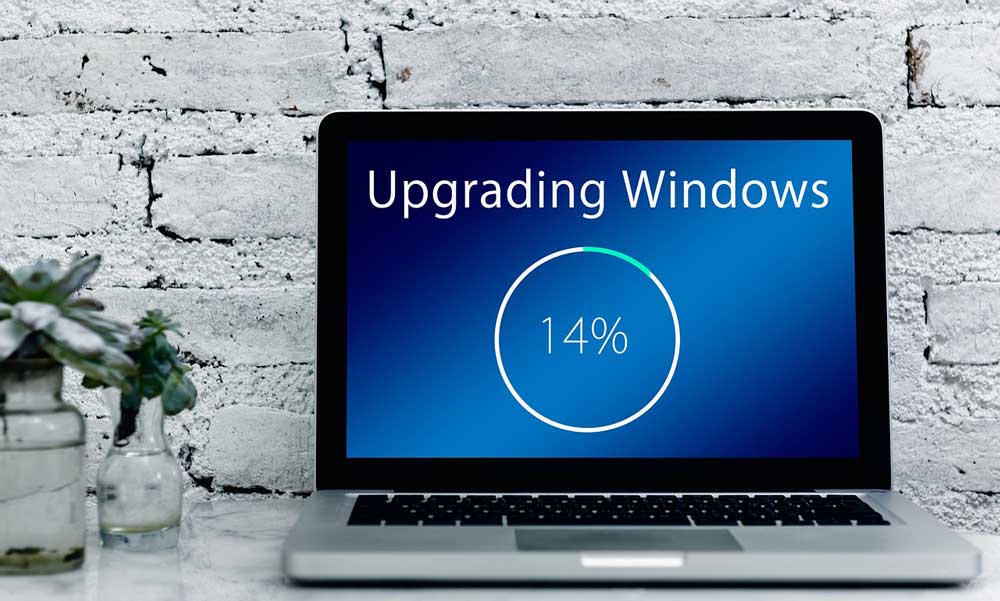
One of the most essential website protection tips is to keep all software up to date. Outdated software, themes, plugins, and extensions possess known security vulnerabilities that cyberattackers can exploit to gain unauthorised access to the website.
To minimise the risks:
- Enable automatic updates where possible
- Update CMS platforms regularly
- Remove outdated plugins and themes
- Use trusted software providers
Keeping website software and plugins up to date strengthens your overall website security by reducing the risk of attackers exploiting known vulnerabilities.
2. Set Strong Passwords and Multi-Factor Authentication
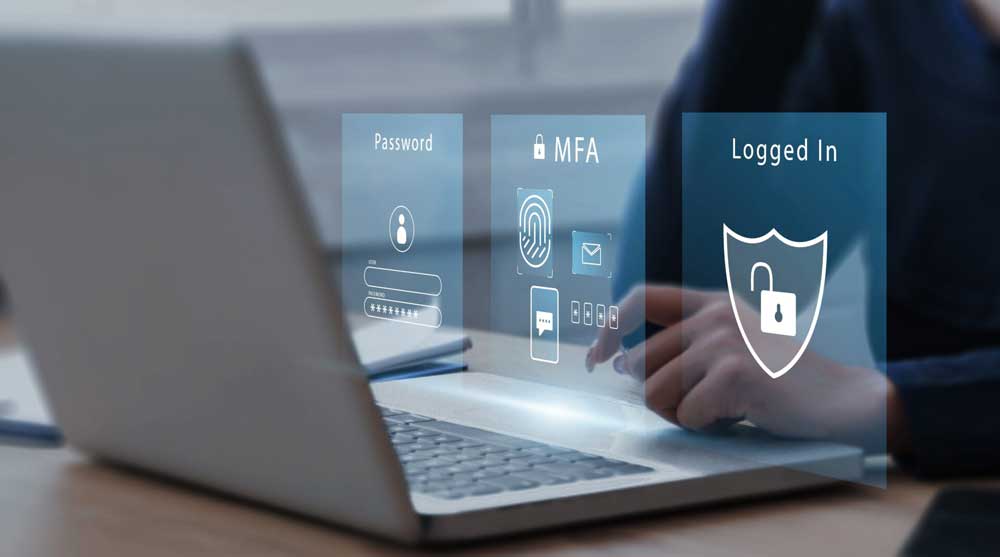
Weak passwords, compromised login credentials, and poorly managed administrator accounts make it easier for attackers to gain access to the website. Therefore, it is essential to limit access and enforce strong credentials to improve website login security.
To improve website login security:
- Use complex and unique passwords
- Update passwords as frequently as possible
- Avoid reusing passwords across multiple accounts
- Limit administrator accounts and limit login attempts
- Enable multi-factor authentication (MFA)
These measures add an extra layer of security by requiring additional verification before access is granted, helping prevent unauthorised users.
3. Use SSL and HTTPS Certificates
An SSL certificate is an essential element of modern cybersecurity as it encrypts the connection between users and your website.
It protects sensitive information exchange, including:
- Login credentials
- Payment information
- Contact form details
- Personal customer data
Every business must enforce HTTPS with an SSL/TLS certificate as part of its cybersecurity strategy. This will help encrypt data in transit, protect customer information, improve website credibility, and enhance search visibility.
4. Choose Secure Web Hosting

Choosing the right web hosting provider is a critical step in supporting business website security. A weak hosting environment can increase the risk of cyberattacks, data breaches, and website downtime. Secure hosting establishes a strong foundation for protecting your website, ensuring reliable performance.
Essential security features for secure web hosting include:
- Malware scanning
- Server security monitoring
- Firewall protection
- Automated backups
- Reliable technical support
- DDoS attack prevention
A secure hosting environment reduces security risks and protects against growing security threats.
5. Use a Web Application Firewall (WAF)
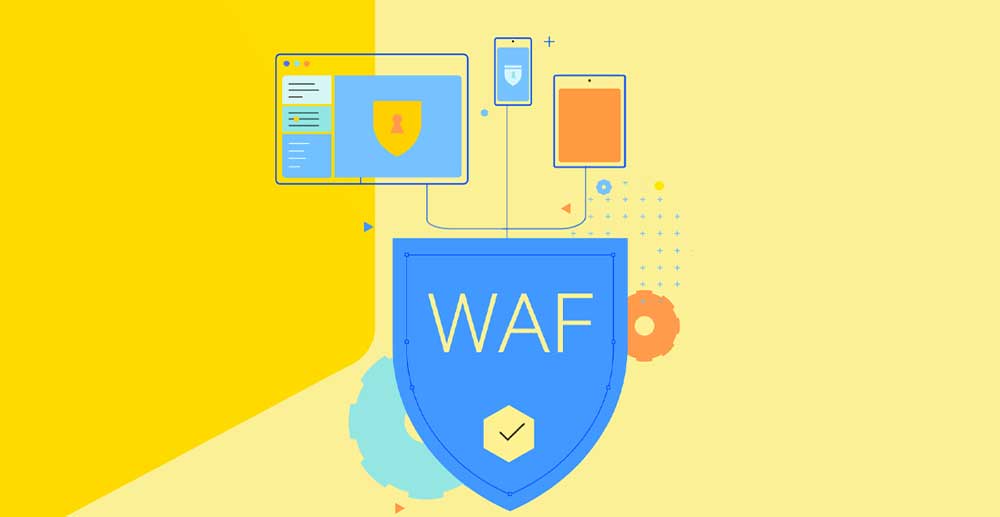
A web application firewall (WAF) safeguards your website by filtering out and blocking malicious traffic before it reaches your web server.
A WAF can help you block:
- Malicious bots
- SQL injection attacks
- Cross-site scripting (XSS)
- Suspicious website requests
- Brute-force login attempts
Implementing a Web Application Firewall is an important and valuable security investment, particularly for businesses that depend on online operations. It reduces the risk of cyberattacks, strengthens your website security, and helps keep your website secure for customers.
6. Perform Regular Website Backups

Performing regular website backups should always be on your website security checklist. Backups are a crucial part of website disaster recovery as they help you quickly restore your website, while minimising downtime in the event of a cyberattack, system failure, or accidental data loss.
A strong website backup strategy includes:
- Multiple backup locations
- Automatic daily or weekly backups
- Regular backup testing
- Encrypted backup storage
Regular backups will help you recover important files, restore website functionality, and resume operations quickly after hacking attempts, malware infections, or unexpected data loss.
7. Conduct Regular Security Audits

Conducting regular website security audits helps identify weaknesses, misconfigurations, and vulnerabilities before attackers find and exploit them.
Security audits should include:
- Vulnerability scans
- Password security checks
- Plugin and software review
- Malware inspections
- Server configuration reviews
Conducting frequent security audits helps you stay proactive, handle potential risks, and keep your website protected.
Website Security Checklist for Businesses in 2026
Use this checklist to improve your website protection:
- Install an SSL certificate
- Use HTTPS
- Update website software regularly
- Enable multi-factor authentication
- Use strong passwords
- Schedule automatic backups
- Install firewall protection
- Scan for malware
- Monitor website activity
- Review user permissions
- Secure customer data
- Conduct regular security audits
Cybersecurity Best Practices in a Nutshell
In a nutshell, the best website security practices include keeping your software up to date, enabling multi-factor authentication, using SSL certificates, installing firewalls, performing regular backups, and conducting security audits. These measures ensure comprehensive, layered protection — reducing the risk of cyberattacks, safeguarding sensitive customer data, and keeping your website reliable and trustworthy for every visitor.
| Security Practice | Objective |
| SSL Certificate | Encrypts data |
| MFA | Prevents unauthorised login |
| Software Updates | Fixes vulnerabilities |
| Firewall | Blocks attacks |
| Website Backups | Disaster recovery |
| Malware Scans | Detects threats |
Frequently Asked Questions
1. Why is website security important?
Website security measures help protect your business website from cyber threats such as hacking attacks, malware, and data breaches. It safeguards sensitive customer information, prevents website downtime, and supports compliance with data protection regulations.
2. How often should I update my website and plugins?
You should update your website’s content management system (CMS), themes, plugins, and extensions to improve security as soon as updates are available. Regular updates help reduce the risk of cyberattacks and patch known vulnerabilities.
3. How often should I back up my website?
The backup frequency depends on how often the website is updated. Regularly performing automatic daily backups is a good approach for most businesses. E-commerce or frequently updated websites may require multiple daily backups to lower the risk of data loss.
4. What is a Web Application Firewall (WAF)?
A Web Application Firewall (WAF) is a security solution that blocks malicious requests from reaching your website by monitoring and filtering incoming web traffic. It provides protection against SQL injection, malicious bots, brute-force login attempts, and cross-site scripting (XSS).
5. Is HTTPS enough to secure my website?
No. While HTTPS is an important part of website security, it does not protect against hacking attempts, malware, and software vulnerabilities. HTTPS only encrypts the data exchange between your website and visitors. For complete protection, it should be combined with other website security practices such as regular updates, strong passwords, backups, and firewall protection.
Conclusion
A secure website is not only an integral part of your reputation, but it also builds customer confidence, supports business growth, and protects your digital investment for the future. Therefore, enforcing a strong website security strategy is essential for every business. Regular updates, backups, strong authentication, and proactive monitoring can help reduce the risk of website hacking attempts, minimise vulnerabilities, and protect your business website from evolving cyber threats.
If you are unsure about your website’s security posture, consider conducting a professional security audit to determine potential vulnerabilities and handle them before attackers exploit them.